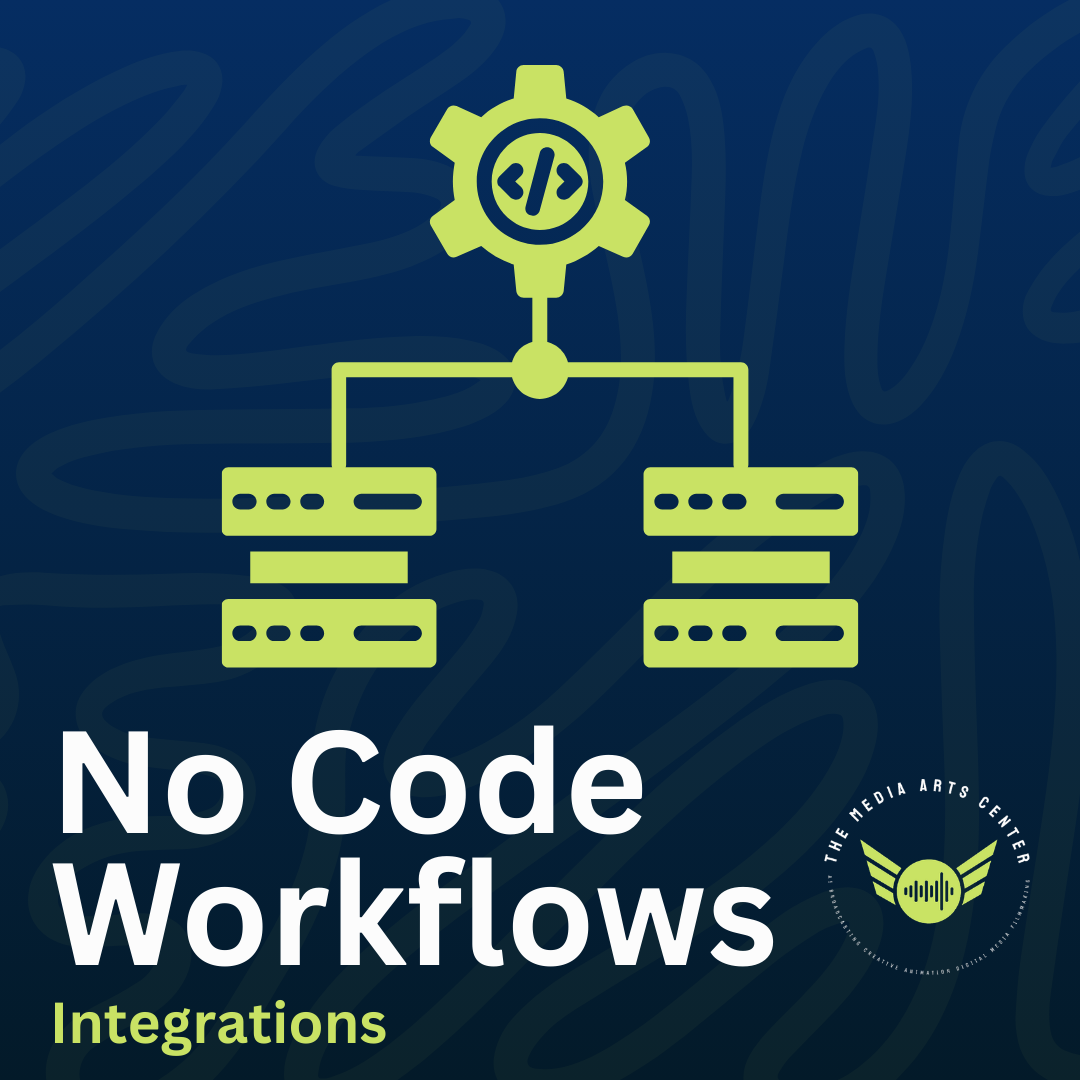
No-code workflows let teams automate tasks without writing code, using tools like Zapier, Make, or native app connections.
Here are the main integration approaches with popular tools (Gmail, HubSpot, DocuSign), and when to use each:
One-click / Native integrations
Pre-built, official connections inside the app.
- Example: HubSpot’s built-in DocuSign app — connect once in HubSpot Marketplace, then send/track envelopes directly from contacts/deals.
- Or Gmail + HubSpot native sync for basic email logging. Best for: Simple, fast setup. Internal teams wanting seamless experience in one tool. Zero maintenance. Limits: Fewer triggers/actions, less customization.
No-code platforms (e.g., Zapier “Zaps” or Make scenarios)
Drag-and-drop connectors between apps (often called “one-click” in templates, but multi-step possible).
- Example: New Gmail email → create HubSpot contact.
- Or completed DocuSign envelope → update HubSpot deal + send Gmail notification. Best for: Cross-app automation, complex logic (filters, multi-steps, delays), quick internal workflows. Connects 1000s of apps. Limits: External platform, potential cost per task, slight delay.
API integrations (custom or low-code)
Direct access via API keys for full control.
- Example: Build or use advanced connector to push data from DocuSign to HubSpot with custom field mapping beyond native limits. Best for: High volume, real-time needs, complex data transforms, or when no-code limits hit (e.g., pricing or missing triggers). Requires devs or low-code tools. Limits: Time, cost, maintenance.
Embed / Embedded integrations Integrate functionality inside your own product/app (e.g., iframe or SDK).
- Example: Embed DocuSign signing directly in a HubSpot-linked portal or your SaaS app so users never leave. Best for: Customer-facing products needing white-labeled, in-app experience (e.g., SaaS tools). Feels native. Limits: Mostly for developers/SaaS builders, not simple internal use.
Quick guide:
- Internal simple → Native/one-click.
- Cross-tool automation → Zapier-style no-code.
- Deep/custom → API.
- In-product UX → Embed.
Pick based on speed vs control vs seamlessness. Most teams start with native + Zapier and scale from there.
Need help getting started? Stop by the studios.