In the film world, they say a movie is written three times: once on paper, once on set, and finally in the editing room. Editing is the “behind the scenes magic” that turns a pile of random clips into a story that makes people laugh, cry, or jump in their seats.
Real-World Examples of Creative Editing
Editing can save a movie or turn a simple idea into a masterpiece.
- Star Wars (A New Hope): The original edit of the first Star Wars was reportedly a mess. It was slow and confusing. The editors (including George Lucas’s wife, Marcia) completely recut the final battle, adding the “ticking clock” element that made it a thrilling success.
- Jaws: The mechanical shark famously broke down during filming. The editor, Verna Fields, suggested cutting around the shark so you rarely see it. This forced use of “unseen terror” made the movie much scarier than seeing a rubber shark would have.
- The Social Network: This film is mostly people talking in rooms, which could be boring. The fast-paced, rhythmic editing makes it feel like an action movie. It shows that the “pace” of a film is decided entirely in the editing booth.
What to Expect
For a 3 to 5-minute short, you will likely spend more time editing than you did filming. Expect a 12-week journey where the final month is spent sitting at a computer, moving clips and adding sound until the timing feels perfect. It is a puzzle that is incredibly satisfying to solve.
What You Need
- A Computer or Tablet: You do not need a supercomputer. Most modern laptops can handle basic video editing.
- Free Software: You can start with CapCut on your phone for quick edits, or download DaVinci Resolve, which is a professional-grade tool used in Hollywood that has a powerful free version.
- Storage: Video files are large. A simple external hard drive will keep your computer from slowing down.
- Headphones: Good sound editing is half the battle. Even basic earbuds help you catch background noise or audio pops.
Essential Skills
- Pacing: Knowing when to stay on a shot and when to cut away to keep the audience interested.
- Sound Design: Adding footsteps, wind, or music to make the world feel real.
- Color Grading: Adjusting the colors so every shot looks like it belongs in the same movie.
How to Start
- The Kuleshov Effect: Take a shot of an actor with a neutral expression. Follow it with a shot of a bowl of soup, then a shot of a coffin. The audience will think the actor is “hungry” in the first and “sad” in the second, even though the actor’s face never changed. That is the power of a cut.
- Edit to the Beat: Try cutting a 30-second scene to the rhythm of a song. It is a great way to practice timing.
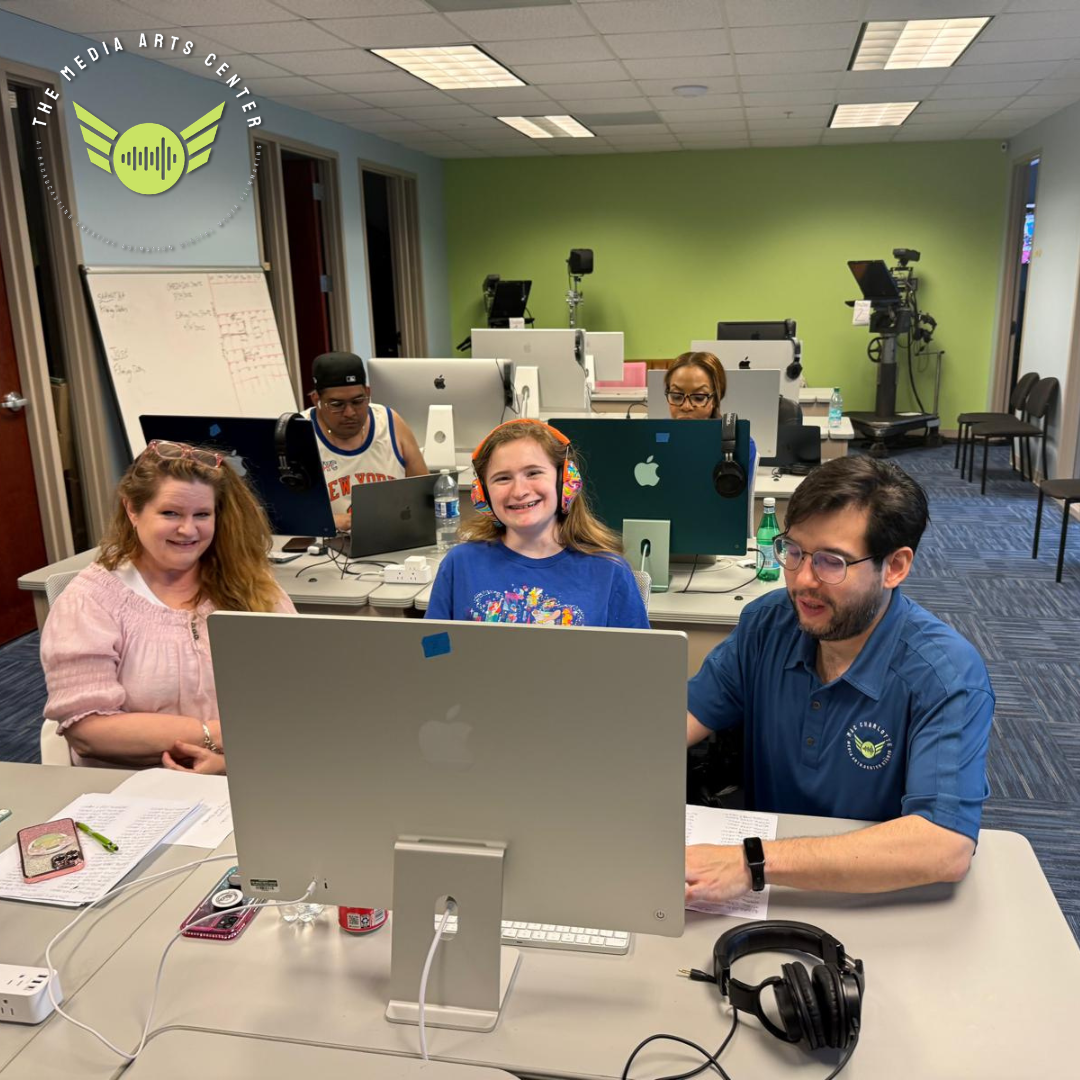
- Learn in a Lab: Editing can be frustrating to learn alone. At The Media Arts Center, you get access to professional editing suites and instructors who can show you the shortcuts and tricks used by the pros.
Takeaways
- Less is more: If a shot doesn’t move the story forward, cut it.
- Audio matters: People will ignore a bad visual, but they will hate bad sound. Spend time on your audio tracks.
- Save often: The golden rule of editing is to back up your work!
Ready to piece your story together? Stop by the Ballantyne studios and get behind the desk.