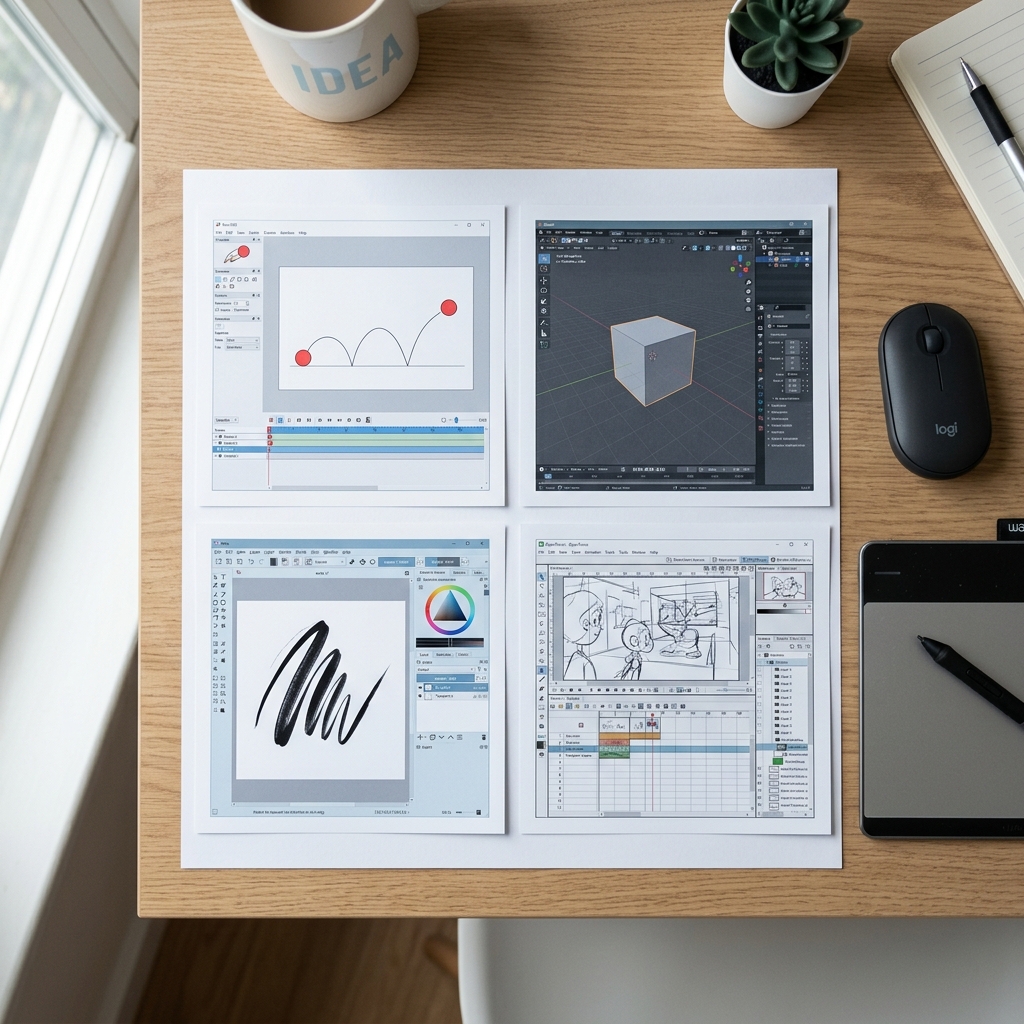
Professional animation does not require expensive software. Several free programs offer the same core principles taught in formal training, and they run on standard computers without specialized hardware.
Pencil2D
Pencil2D is a simple program built for frame by frame animation in two dimensions. The interface is minimal, which reduces the learning curve for absolute beginners. It supports both bitmap and vector drawing, and it exports standard video formats that work on any platform. For someone who wants to understand timing and spacing without navigating complex menus, this is an efficient starting point.
Blender
Blender is a full three dimensional suite used by professional studios worldwide. It includes modeling, rigging, animation, and rendering tools in a single package. The learning curve is steep, and the interface contains many options that can overwhelm a first time user. However, the community is large, and tutorial resources are widely available. Blender is best approached after a beginner understands basic animation principles in a simpler program.
Krita
Krita functions primarily as a digital painting application, but it includes a robust animation timeline. This makes it useful for artists who want a hand drawn aesthetic. The brush engine is advanced, and the animation tools support frame by frame workflows. It is a strong choice for beginners who are already comfortable with digital drawing and want to add motion to their work.
OpenToonz
OpenToonz is the software Studio Ghibli used for many feature films. It is powerful and capable of professional production, but it is also more complex than the other options listed here. The interface and workflow assume some familiarity with animation pipelines. It is worth exploring after a beginner has completed several small projects in a simpler environment.
Where to Start
For absolute beginners, Pencil2D or Krita are the recommended entry points. They teach the fundamentals of timing and spacing without overwhelming interface complexity. Both programs are free to download, and both run on Windows, Mac, and Linux.
Exercise: The 12 Frame Bouncing Ball
Download Pencil2D or Krita and complete this test.
- Create a new project at 12 frames per second.
- Draw a circle near the bottom of the frame. This is the ball on the ground.
- On the next frame, draw the circle slightly higher.
- Continue for four frames, spacing each circle farther apart as the ball rises.
- At frame five, place the circle at the highest point. This is the peak of the arc.
- For the next four frames, draw the ball descending. Space the circles closer together as it approaches the ground.
- On frame ten, draw the ball back at the bottom, slightly squashed to show impact.
- Add frame eleven with the ball stretching upward as it rebounds.
- End on frame twelve with the ball returning to a normal circle at mid height.
Play the sequence. If the ball feels like it is slowing at the top and accelerating at the bottom, the spacing is correct. If the motion looks even throughout, adjust the spacing between frames. This single exercise contains the foundation of every animation role. Start learning animation.